Installation
xLaw Chrome / Edge / Firefox / Safari
Section titled “xLaw Chrome / Edge / Firefox / Safari”Chrome
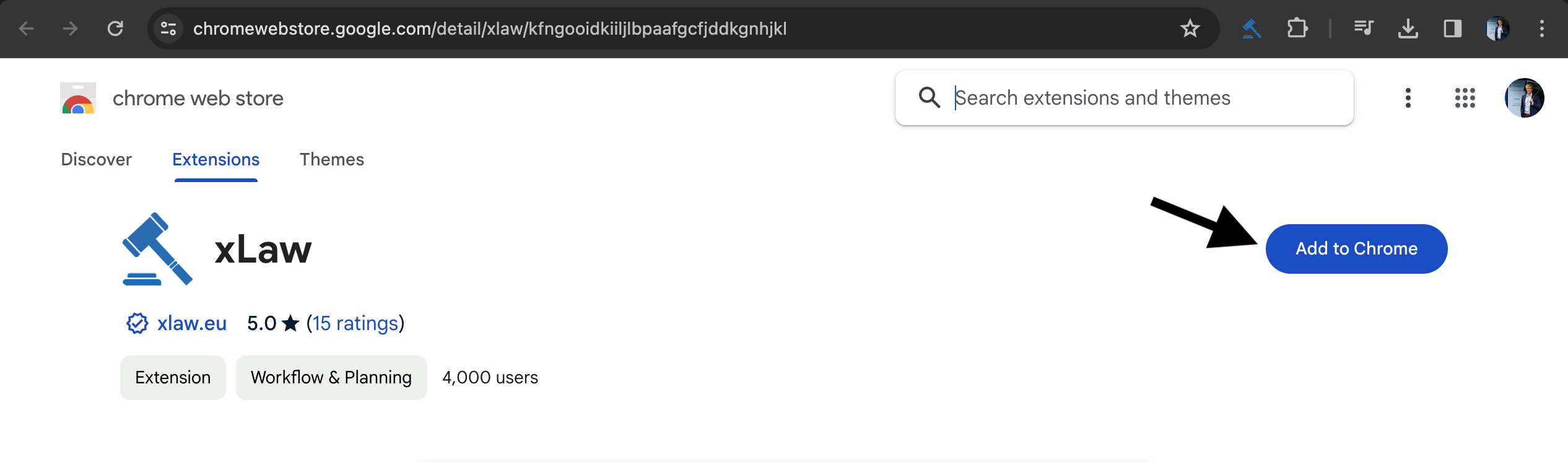
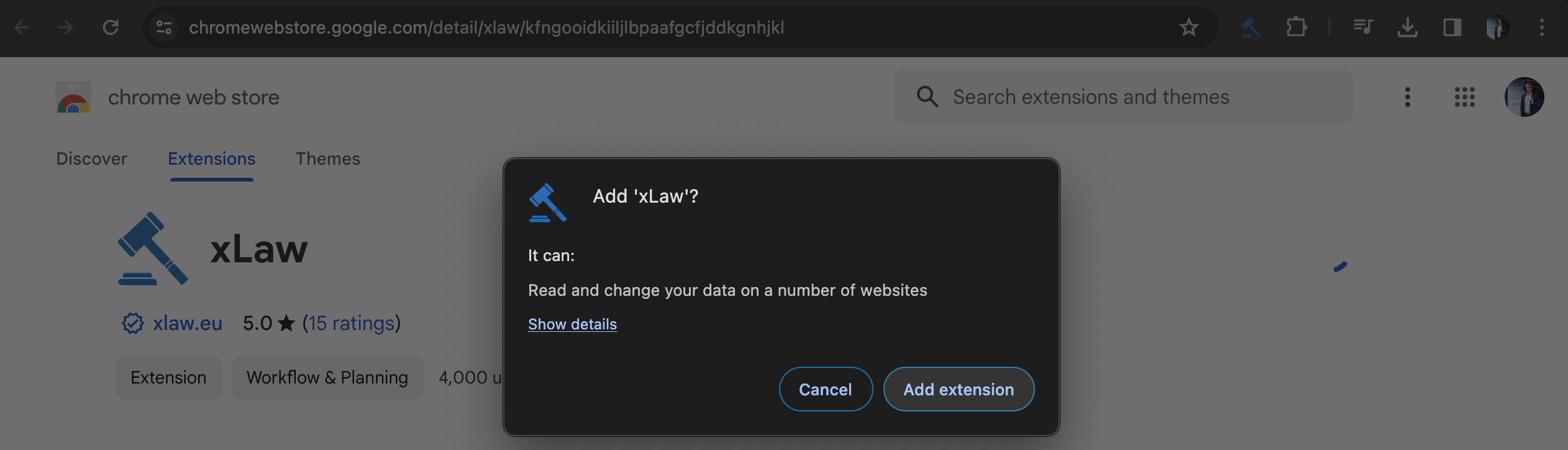
Section titled “Chrome”Chrome Web Store -> Add to Chrome -> Add Extension
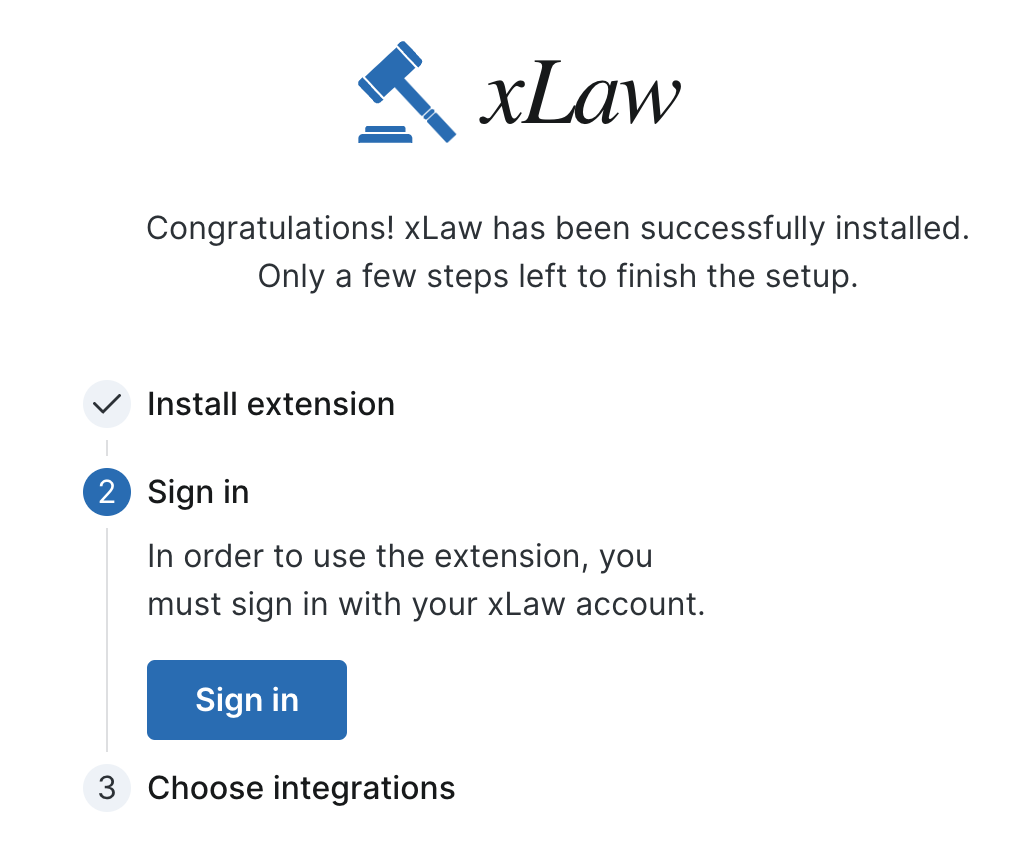
On landing page click “Sign in”
On Sign in page use Sign in with Microsoft and your work account.
.png)
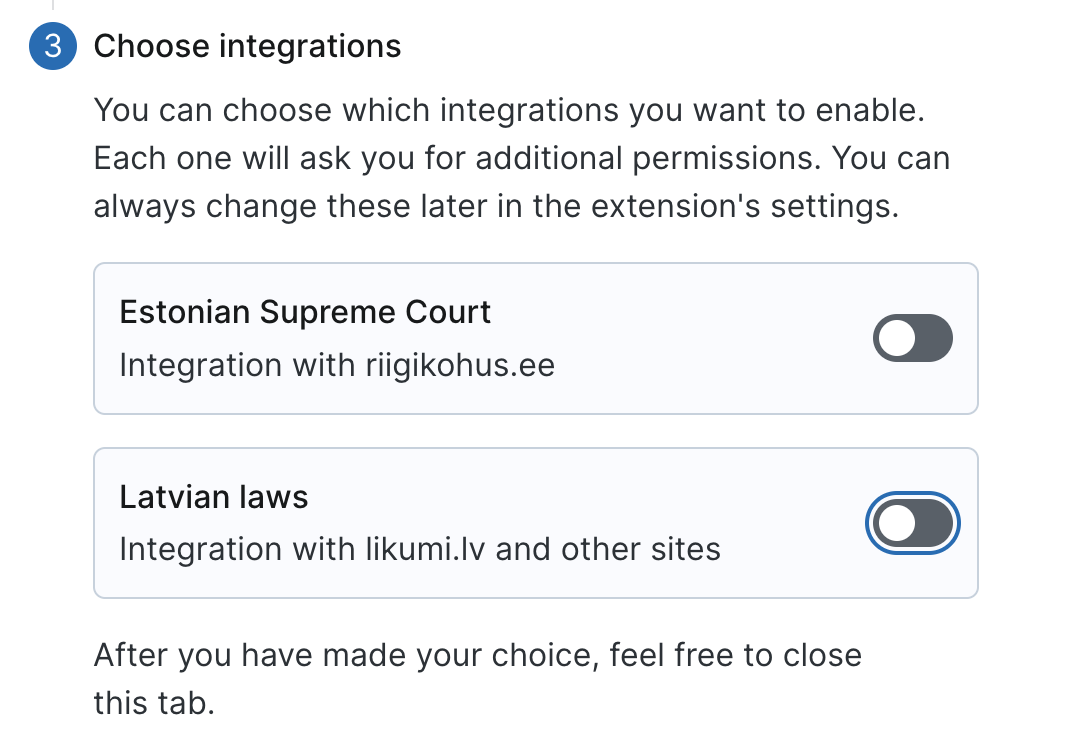
Next, turn on Latvian module
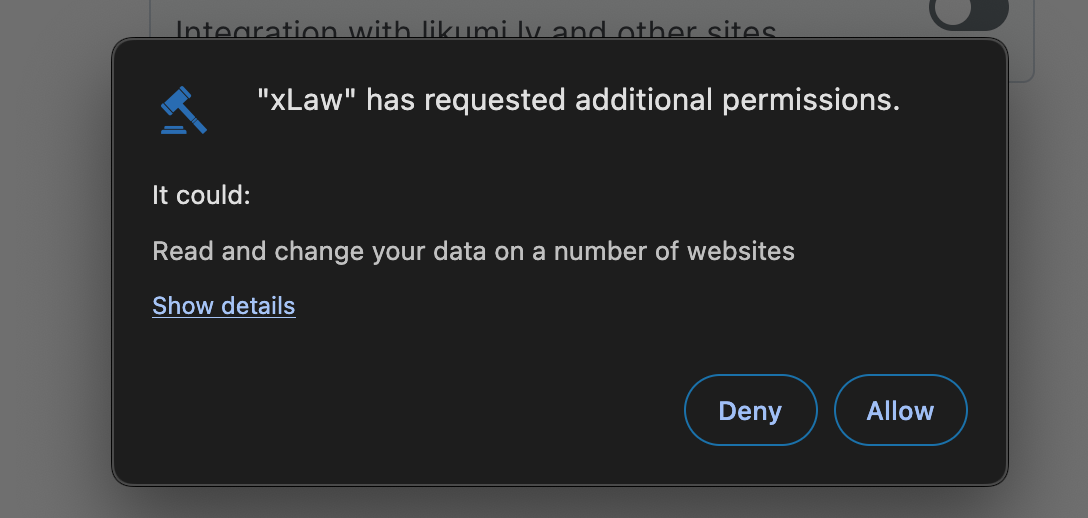
Then check if you have grey buttons in Likumi
Firefox
Section titled “Firefox”Firefox Add-On store -> Add to Firefox -> (follow above instructions)
Microsoft Edge
Section titled “Microsoft Edge”In Microsoft Edge extension store -> Get -> (follow above instructions)
Safari
Section titled “Safari”In Mac App Store -> Get -> (follow above instructions)
xLaw Word
Section titled “xLaw Word”Add to Word, if this link doesn’t work, then:
Microsoft Word -> Add-ins
Sometimes Add-ins button is in Insert menu

Search xLaw -> Add
.png)
After that you have xLaw icon on the right corner of Home menu.